
AI Fashion
How AI Virtual Try-On Works
AI virtual try-on creates a styling preview from a person photo and selected clothing. Learn what the image can show and what still needs a real fitting.
In this guide
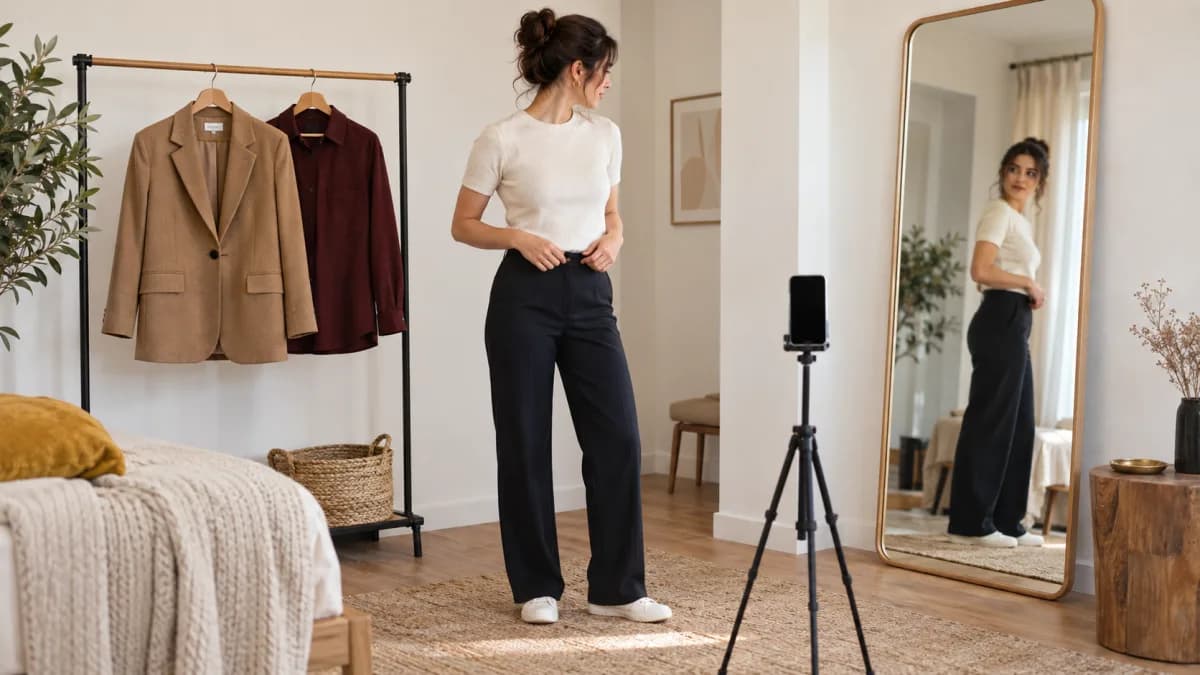
AI virtual try-on creates a visual preview by combining a photo of a person with information about selected clothing. It can help you compare styling directions. It is not a measurement of fit, and it is not a guarantee of how a garment will look in person.
If you already know the mechanism and want the practical workflow, use virtual try-on with clothes you already own. This guide stays with what the image can and cannot show.
What goes into a preview?
The system needs a person image and a clothing reference. Pose, lighting, the visible shape of the clothing, and image clarity can all affect the result. Depending on the product, the reference may come from a wardrobe photo or a saved outfit.
In Fashion Frame, choose the clothing and photo in the Try-on surface. Review the preview as an image-based suggestion and use the controls available in the app to compare alternatives.
A clearer clothing photo usually gives the system a more honest garment to work from than a tiny detail in a crowded picture.
What the software is generating
Image-based try-on usually does not paste a garment photograph on top of a person. Modern systems use the person image and clothing reference as conditions for generating a new image, while trying to preserve the person's pose and the garment's visual identity.
That distinction matters. The output may look photographic, but the pixels are newly synthesized. The system is not cutting a sewing pattern, measuring the body, or simulating how a particular fabric stretches. Preserving small prints, hardware, logos, hems, and layers is still an active technical problem; research systems such as IDM-VTON and OOTDiffusion are explicitly designed to improve garment detail and controllability.
Different products use different models and preparation steps, but the practical rule stays the same: compare the generated image with the original garment before trusting a detail.
Prepare a useful source photo
Use a clear image with even light and enough space around the body for the intended clothing. Avoid heavy filters and extreme poses. Choose a clothing reference that shows the garment clearly.
Do not upload another person's photo without permission. Remove unnecessary personal information from the frame and review the privacy policy before using personal images.
What can go wrong?
Generated previews can change details, distort accessories, or represent fabric differently from the original. A logo, hem, pattern, or garment length may not be preserved exactly. A plausible-looking image can still be inaccurate.
Compare the result with the original clothing reference. If a key detail changed, do not treat the preview as evidence about that detail.
| Question the preview can help with | Question it cannot answer |
|---|---|
| Do I prefer this lighter layer or the darker one? | Will this exact size fit my waist? |
| Does this outfit look too formal next to the other? | How will the fabric feel after an hour? |
| Is the color direction closer to what I had in mind? | Will the hem sit where the image suggests? |
Use it for a styling decision
A practical question is “Do I prefer this lighter layer or the darker one with this outfit?” A less reliable question is “Will this exact size fit my waist?” The first is visual exploration; the second needs measurements, garment information, and a physical fit check.
Building a digital wardrobe gives you a collection of your own references. You can also plan outfits from existing clothes before deciding whether a preview will help.
Keep the final check physical
Try on the real clothes when possible. Sit, move, and consider temperature and comfort. Use the generated result as a way to explore an idea, then make the final decision with the garment itself.
An AI stylist can suggest the combination; virtual try-on can show a direction. Neither replaces wearing the clothes.
Frequently asked questions
Is virtual try-on the same as a fitting room?
No. A fitting room tells you about size, movement, and fabric against your body. A generated preview is a picture of a possible styling direction.
Why does the preview look different from my clothes?
The image is generated, not photographed on you with those exact garments. Lighting, pose, and the clothing reference all affect the result. Treat changed details as unreliable.
Should I use a full-body photo?
A clear photo with even light and enough space for the intended clothing is more useful than a cropped or heavily filtered one. Avoid uploading other people.
Put the guide into practice
Start with your own wardrobe.
Preview a styling direction with your selected clothing and a clear photo.
Try Fashion FrameContinue reading
AI Fashion
How to Use Virtual Try-On With Clothes You Already Own
Use virtual try-on to compare two styling directions from garments you already own. Ignore fit claims, then put the winner on your body.
Wardrobe
How to Photograph Your Clothes for a Digital Wardrobe
You need photos you can recognize later, not campaign images. Use even light, show the whole garment, and stop after one useful week of clothes.
AI Fashion
What Is an AI Personal Stylist?
An AI personal stylist uses your wardrobe, preferences, and the occasion to suggest outfits. Here is what it can do, what it cannot, and how to ask it well.